Scan-to-upload
Customers scan your shop's QR, upload from their phone and see the price up front — no app, no sign-up.
Customers scan a QR. You tap approve. It prints.
AutoPrint replaces the WhatsApp-and-pen-drive chaos at the print counter. Customers scan your shop's QR code, upload files from their phone, choose print options and see the price before they send. Your staff get an instant alert on every signed-in device and approve or reject with one tap; a small program on the shop's Windows PC then sends the job straight to the right printer. Built for print shops, cyber cafés, stationery shops, college copy centres and offices.
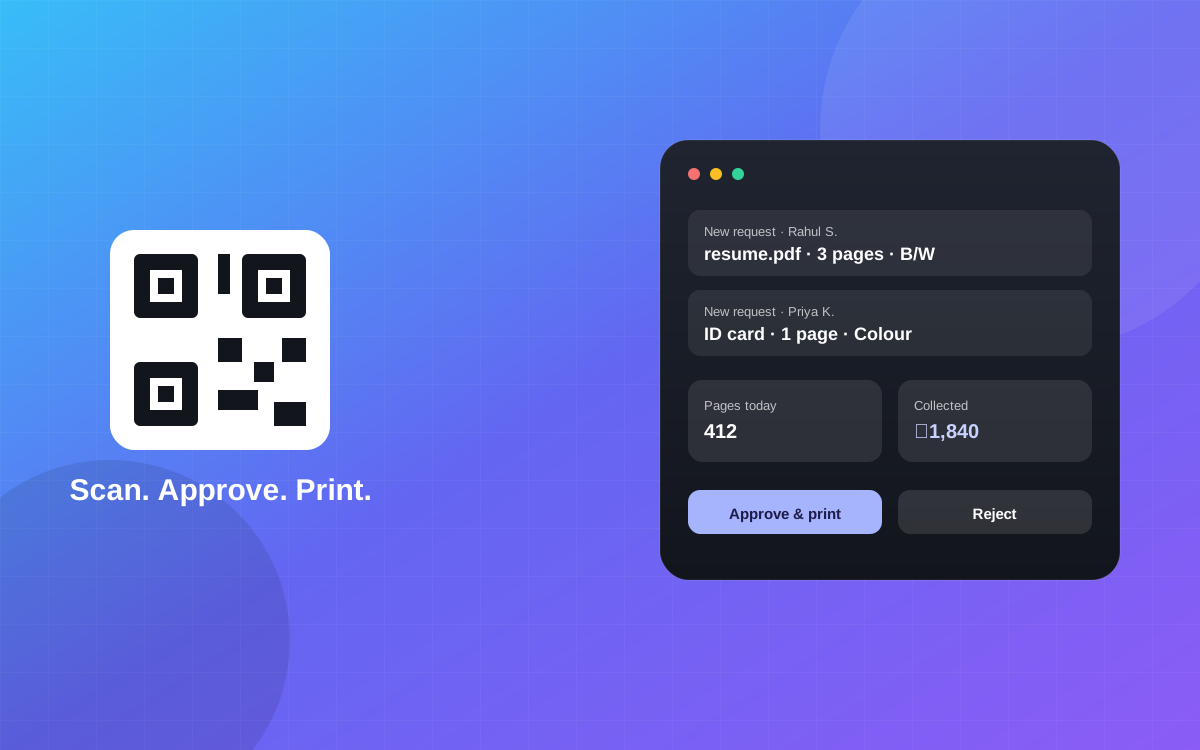
A print-queue system for print shops and cyber cafés — customers upload from their phone, staff approve with one tap, and it prints.
Customers scan your shop's QR, upload from their phone and see the price up front — no app, no sign-up.
PDF, Word, Excel, PowerPoint and photos are converted to PDF with page counts calculated automatically.
Builds ID-card and scanned-document pages from phone photos, ready to print.
Desktop pop-ups on every signed-in device, with double-print protection when several staff are watching.
Colour and black-and-white jobs go to the right printer across multiple shop computers.
Track cash, UPI and card payments, with optional automatic payment marking. AutoPrint never collects your customers' money.
Daily collections, pages printed and busiest hours, exportable as a spreadsheet.
Encrypted file transfer; printed files are deleted immediately and unprinted files after a short time.
A branded, printable QR sign sits on your counter.
Files, copies, colour and size are chosen on their phone with the price shown.
A pop-up appears on your devices; one tap approves or rejects.
A small program on your Windows PC sends the job to the right printer.
No. They scan the QR code and upload from their phone's browser.
A Windows PC connected to your printer(s) running the small AutoPrint program, plus any device where staff approve jobs.
No. It tracks cash, UPI and card payments you receive, but your customers pay you directly.
Files are transferred encrypted. Printed files are deleted immediately and unprinted files are removed after a short time.
Per shop per year, depending on shop size, with every feature included. A free 7-day trial is available.
Tell us about your business and we'll get you set up.